
Operational monitoring
Crash and error reporting wired into the release from day one, so a field issue is seen before it is phoned in.
Talk to the bench
Start a conversationUitbreidingsstraat 32, 1050 Elsene, Brussels-Capital Region, Belgium
Monday to Friday, 9:00 AM – 6:00 PM
Industries we build for
The framework choice is rarely the hard part. What decides whether an application succeeds is whether it fits the way the sector actually operates: the shifts, the paperwork, the regulations, the equipment already on site. Here is how our mobile and desktop work tends to look in the industries we build for most often.
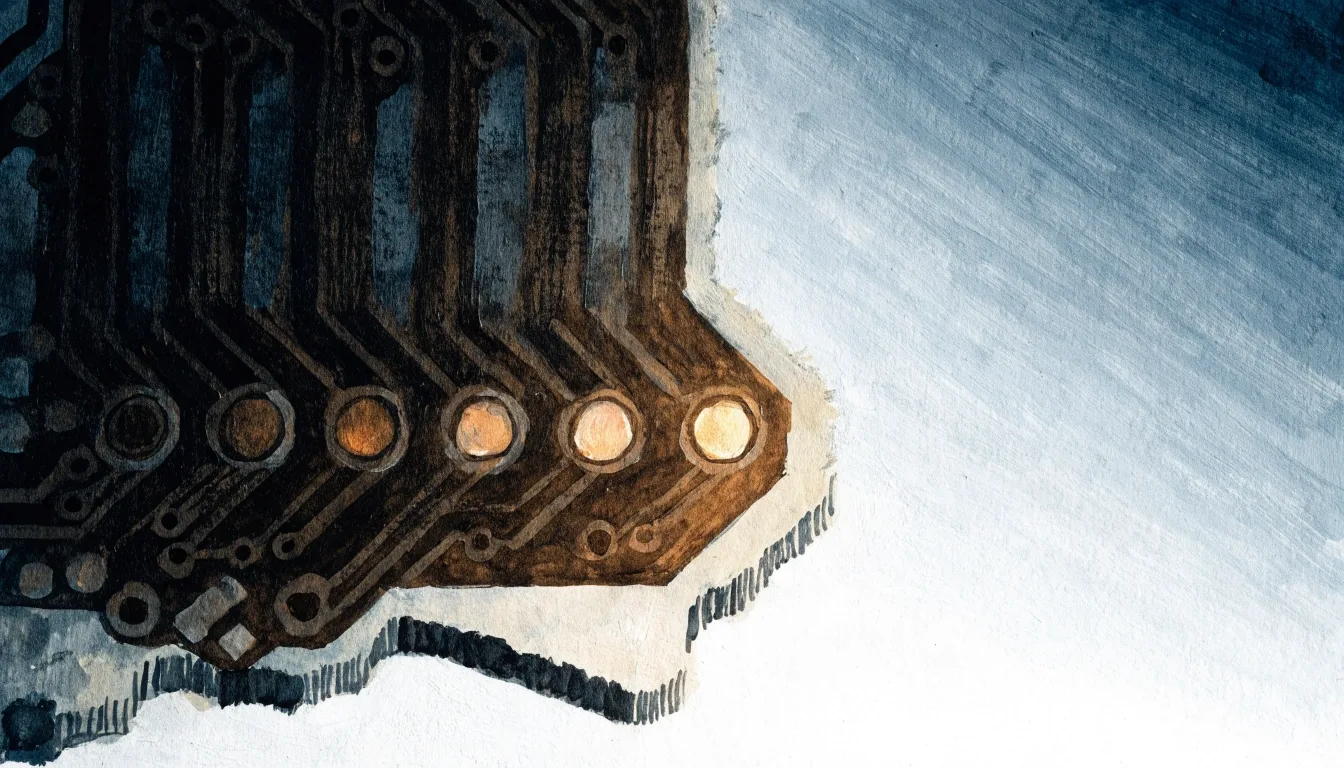
Read left to right: five sector stages, three of them live in a client's everyday work today.
The eight sectorsWhere we work
Each sector below carries its own geometry — a warehouse with no signal, a shop floor with a controlled network, a clinic that has to keep roles apart. The same delivery discipline runs underneath: a small team on time-and-materials terms, a working window you can watch, and a build that leaves in a state you can hand to whoever comes next.
The bench rules each one
The eight rows below carry the same shape: the term a client uses, the constraint the app has to respect, and how the build actually answers it. Hover any row to see the marker light change — the row itself is the entry point.
Two ends of the same system. Driver apps have to work offline in a warehouse with no signal, capture proof of delivery, and survive a dropped phone. Dispatcher tools need live status on a screen that stays open all day. Both read from one database, so a status change in the field does not become a phone call to the office.
TMS work leads the scoping
Shop-floor tools run on tablets and ruggedised handhelds, often mounted, often on a network the IT department controls. Work-order lookups, barcode and QR scanning, machine status logging, shift handover notes. Desktop applications still earn their place for label printing, quality check sheets, and reporting pulled from the production system. Offline behaviour is not optional across halls with dropped Wi-Fi.
Offline is a baseline
Time tracking, project administration, and document handling that connects to whichever accounting platform the firm already uses. Desktop applications appear when staff work with large files or need local folder access. The constraint here is adoption: a tool that saves ten minutes a day gets used, and a tool that demands a new habit does not.
Adoption beats feature count
Scheduling, patient administration, and internal communication, with strict attention to who can see what. Role-based access is designed in from the start rather than bolted on later. Most organisations here need integration with existing practice management systems, and they need the app to work on the devices staff already carry. We build administrative and operational tools; we do not build clinical diagnostic software.
Roles designed in first
Mobile apps for stock counts, order taking, and shift management, plus desktop tools for back-office reporting. The pattern is usually a small number of staff using the tool intensively rather than a large audience using it occasionally. That changes the design: speed of entry matters more than onboarding polish, and a barcode scanner should be one tap away, not three screens deep.
One tap to the scanner
Site work means gloves, sunlight, dust, and unreliable connectivity. Apps here are built around photo capture, checklist completion, and location logging, with offline mode as a baseline rather than a feature. Reports need to reach the office in a format the back-office system accepts. Desktop tools cover estimating, planning, and document control.
Photo and location first
Projects here come with procurement rules, accessibility expectations, and often a fixed budget envelope. We scope tightly, document decisions, and build with an eye on whoever inherits the code. Multilingual interfaces are common and get designed in from the wireframe stage rather than translated afterwards.
Built for handover
Back-office tools, approval workflows, and document processing, with an emphasis on audit trails and role separation. Desktop applications remain common here because the work involves large spreadsheets, multiple monitors, and local files. Anything touching regulated data is built to the client's compliance requirements, and we ask for those requirements in writing before development starts.
Requirements in writing first
Integration is the real scoping work
Every sector brings its own system of record — a transport management platform, a practice management suite, an accounting package, a production database. The app sits around it, reads from it, and writes back to it. That integration is usually the bulk of the scoping work, and it is the first thing we ask for a look at.
Same bench, different shop floor
A driver app and a back-office dashboard look nothing alike. What they share is the way we build: one team, on the bench, watching the same window you watch. Stack selection, UI, build, release automation and afterwards the maintenance happen around the same table.
That is why sector conversations usually start with the system of record and the devices already in the field, not with a framework comparison. The framework follows the constraint.
A note on fit
The sector decides the shape. We are the small team that keeps the shape honest.
Eclipse Holdings Group — Brussels bench
If your sector is not on this page, the same scoping call is the way in — most builds land somewhere between two of the rows above.
After the build ships
Maintenance looks different in a warehouse than in a back office, but the four bays below cover what every sector on this page ends up needing once the app reaches its users.
Crash and error reporting wired into the release from day one, so a field issue is seen before it is phoned in.
OS and framework updates applied on a schedule that matches the sector — faster where devices are shared, calmer where they are fixed.
A defined rhythm for shipping to production — quick fixes fast, larger changes bundled so shop-floor habits stay steady.
A named point of contact Monday to Friday, 9:00–18:00, for the times a driver app stops being clever and a shift cannot start.
Route forward
Bring the system of record, the devices in the field and the constraint no one has solved yet. If your sector sits between two of the rows above, that is fine too — many of our builds do.