
A product built from nothing
You have a problem worth solving and no software yet. Start at scoping, then mobile, desktop or web depending on where the work actually happens.
Talk to the bench
Start a conversationUitbreidingsstraat 32, 1050 Elsene, Brussels-Capital Region, Belgium
Monday to Friday, 9:00 AM – 6:00 PM
Services / Eclipse Holdings Group
Mobile, desktop and web applications, built on time-and-materials terms by a small Belgian studio. This page is for the reader deciding what kind of help they actually need — a product built from nothing, an application extended or rescued, a desktop tool replacing manual work, or a delivery process that keeps running after launch.
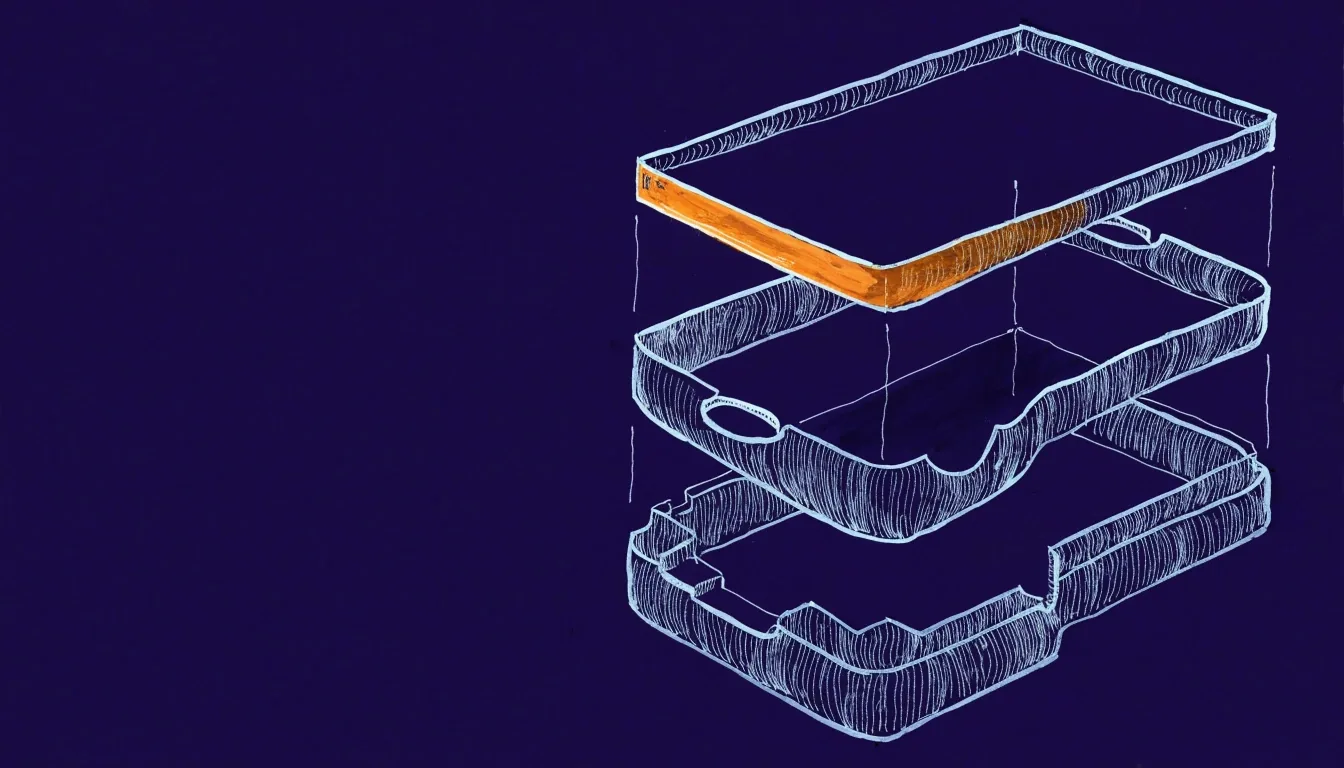
One codebase, one release pipeline, one team keeping it current — shown here as the draughtsman draws a stack before a sprint starts.
Brussels · time & materials
What you are deciding
Most conversations start with a version of one of these. Reading them first makes the rest of this page shorter: you will know which chapters apply and which you can skip, and we can start the first call at the right level instead of spending it on discovery.
You have a problem worth solving and no software yet. Start at scoping, then mobile, desktop or web depending on where the work actually happens.
Something exists and works, partly. This is usually integration, backend work, or a release process that no one can run reliably.
Printing, scanning, offline operation, long shifts in front of a screen. Desktop software earns its place where the browser cannot reach.
The build was the easy part. OS updates, dependency upgrades and error triage need an arrangement of their own after launch.
Start here · scoping and MVP definition
The scoping phase turns an idea into something a developer can build against. We map the user roles, the main flows, and the rules that decide what happens when something goes wrong — because those rules are where most projects quietly grow.
You leave with a written scope, a screen inventory and a build sequence. For an MVP, we also draw a hard line around the first release: what has to work on day one, and what can wait until there is real usage to learn from. Belgian clients often want the first version in front of staff quickly, so the line tends to be drawn tight.
What you leave the phase with
Written scope
Roles, flows and failure rules, in one document your team can read and disagree with.
Screen inventory
Every screen the first release needs, and the ones deliberately left out.
Build sequence
What gets built first, second and third — and what depends on what.
What gets built
Reading order matters here. If your users are on phones, start at mobile. If the job runs on a counter desk with a printer, start at desktop. If the audience is unknown and partly internal, web is often the front end to the same backend — and that changes what the mobile build costs.
Most mobile work here is one codebase for iOS and Android. React Native with Expo is our default choice because it handles builds, updates and store submission with less native overhead, and it pairs cleanly with the release automation we run. Flutter is the alternative when the interface leans on custom animation, or when the team wants a single language across front end and backend. Either way you get installable test builds during development, not a slide deck.
Desktop software is the right answer when the job involves local hardware, offline operation, or long working sessions. We build with Tauri for a small binary and web technology on the interface, or with Avalonia when the surrounding environment is .NET and internal IT will maintain the code later. Both produce installers for Windows, macOS and Linux from one project. Common cases are label and receipt printing, scanner integration, and administrative tools that must run without a reliable internet connection.
Web applications suit external audiences and unknown devices, and they are often the front end to the same backend as the mobile product. That matters for cost: one set of business rules in one place beats two implementations that drift apart. We build for the browsers your users actually have, including the older ones still running in some corporate environments, and we handle authentication, roles and reporting as part of the same scope.
Shared code is a cost decision before it is a technical one. One codebase means one set of bugs, one release process and one team to keep it current. It also means accepting some compromise: platform-specific behaviour has to be handled deliberately rather than assumed. We use the phrase shared business logic carefully, because sharing the rules is usually more valuable than sharing every screen. Where a platform genuinely needs its own implementation, we say so and scope it separately.
Behind the interface
These are the three chapters that decide whether a feature is still working a year after it launched. They are rarely the reason a client calls us; they are often the reason a client stays.
Almost every project integrates with something that already exists: an accounting package, an ERP system, a CRM, a payment provider, or an internal API with documentation from another decade. We build the backend with Supabase when the team wants an open, SQL-based layer they can inspect, or with Firebase when speed to first release matters most and the data model is straightforward.
Integration work is estimated honestly, because it is where schedules slip. We will tell you what we do not yet know before we quote it.
We set up automated build and release pipelines with Fastlane and GitHub Actions. The result is a process where a release is a defined sequence rather than a person remembering the steps. Version numbers, build variants, store metadata and test runs are all handled the same way every time.
If your team has its own pipeline or a preferred CI provider, we work with it rather than around it. Handing over a pipeline you can run without us is a good outcome for both sides.
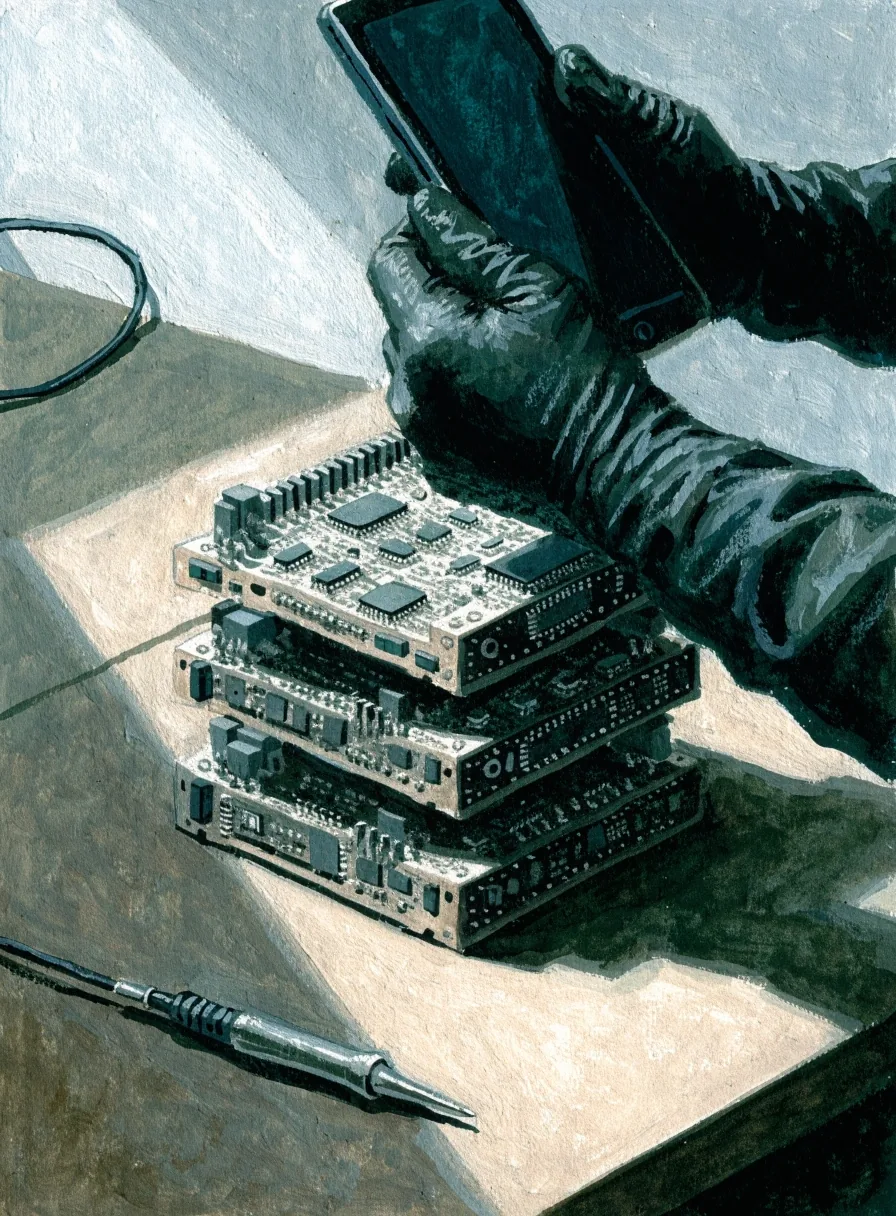
Testing is layered: unit tests for business rules, automated UI runs for critical flows, and a device matrix through Firebase Test Lab for the realities of hardware and OS versions. Then a person uses the build. Cross-platform code can behave differently on a five-year-old Android handset than on a current one, and the only way to know is to run it there.
After launch
Support after launch is scoped as its own arrangement, not buried in the build contract. It covers OS and store updates, dependency upgrades, error triage from Sentry monitoring, and a defined allowance of smaller changes. You can take the plan, run maintenance in-house, or ask us to hand over cleanly with documentation. All three are legitimate outcomes.
Real crash reports arrive with the stack they happened on, and we sort them into what breaks a user today and what can wait a week.
Apple, Google and the frameworks you depend on ship changes on their own schedule. Keeping up is what keeps the app in the stores.
Small changes go out on a predictable cadence rather than piling up into one risky update every six months.
Small studio, small rota. You get a person who knows your codebase, not a queue number.
Where to start
A short email describing what exists today, who uses it and what is not working is usually enough for us to say which service applies and what a first phase would look like. We answer within a working day, Monday to Friday, 9:00 to 18:00 Brussels time.
Reach the studio
Telephone
+32 478 97 82 11Studio
Uitbreidingsstraat 32, 1050 Elsene, Brussels-Capital Region, Belgium
Working hours
Monday to Friday, 9:00 AM – 6:00 PM